ESP32-S3 and touchscreen
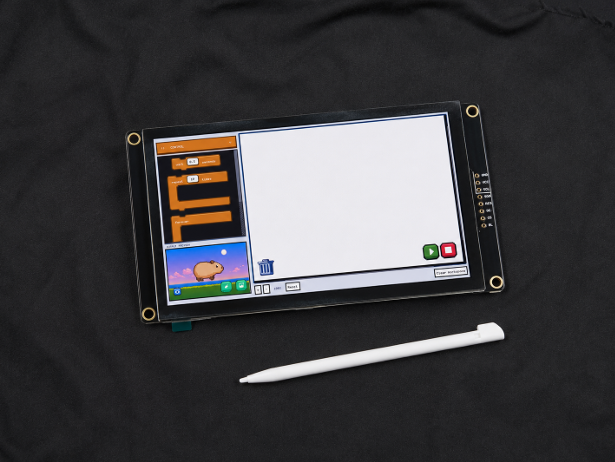
BitBlocks runs on an ESP32-S3-WROOM-1-N16R8 with a 480×320 touchscreen, 16 MB of flash, and 8 MB of PSRAM.

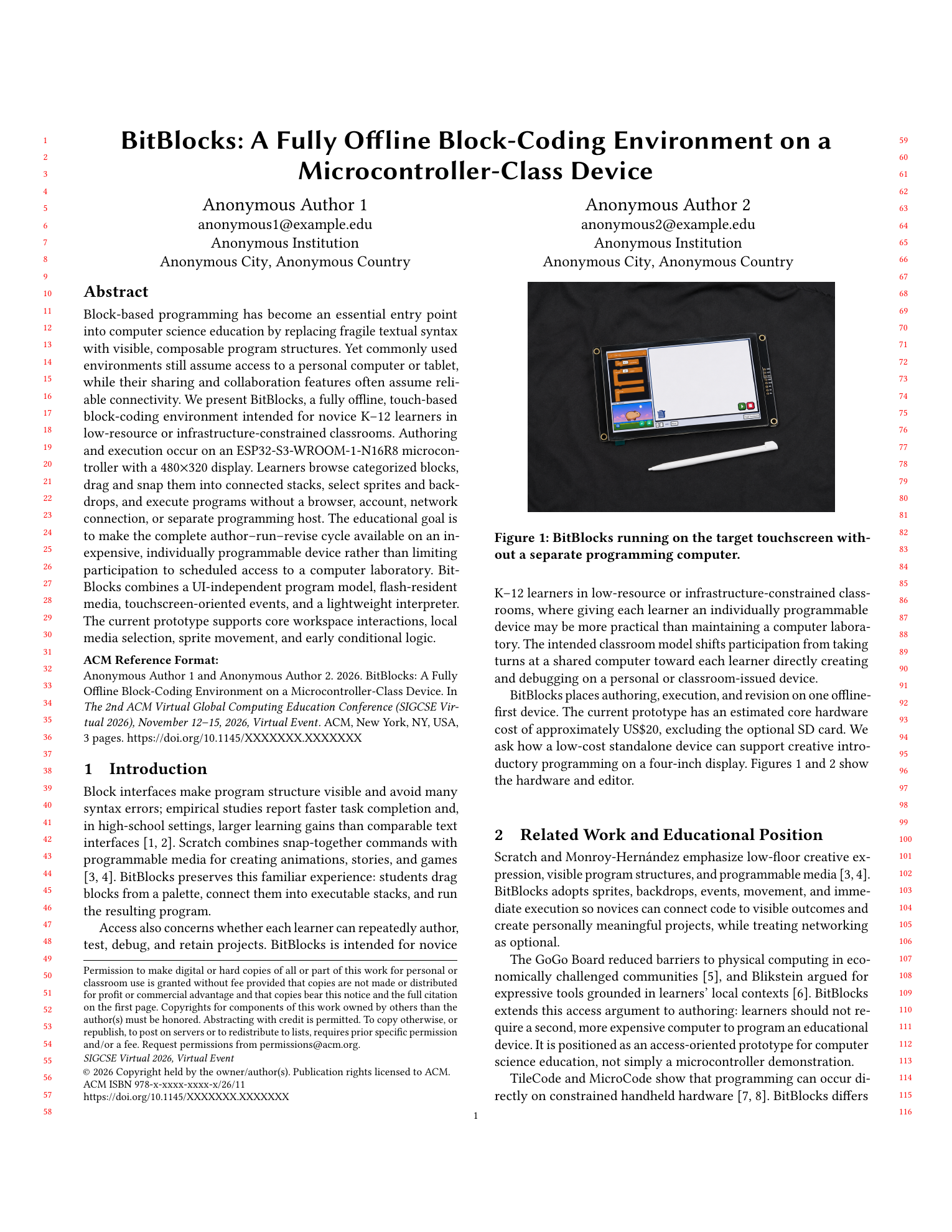
BitBlocks started from a simple question: how much of the Scratch programming experience can we preserve when a classroom does not have reliable access to computers, tablets, or the internet?
The system brings block-based programming onto a low-cost, microcontroller-class device that can run fully offline. Students can create programs directly on the device, interact with physical hardware, and learn the same basic ideas of sequencing, loops, conditions, variables, and event-driven programming without depending on a separate computer.
What started as a project for rural, remote, and resource-constrained classrooms also became useful in mainstream schools that already have access to computers and the internet. In those settings, BitBlocks can work as an application-specific programming device: students stay inside the learning environment rather than wandering off into unrelated apps, websites, or distractions.
The goal is not to replace Scratch itself, but to make its style of accessible, visual programming available in places where the usual hardware requirements make computer science education difficult to scale.
Research question
How can we bring the Scratch block coding experience to a scalable, low cost, fully offline platform for computer science education?
BitBlocks draws inspiration from Scratch’s website interface, while making the most of the limited space on our 4-inch screen. Students drag blocks from the palette into the workspace, choose a sprite or backdrop, and see the result in the output preview. Once a program is run, the sprite preview switches to full screen
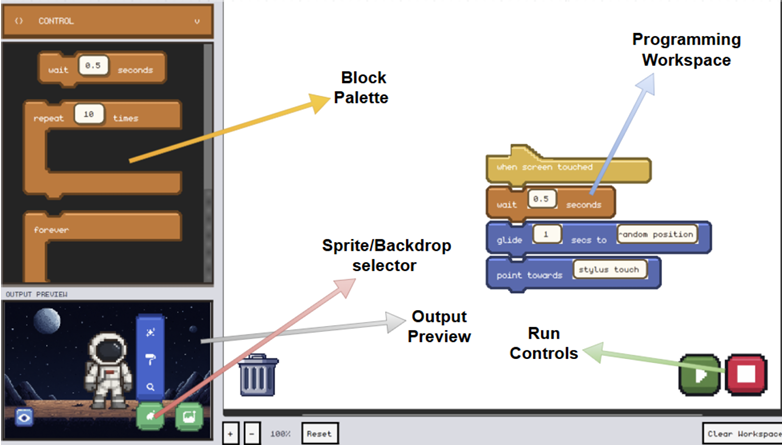
Video of BitBlocks running directly on the target hardware. Students can drag and arrange programming blocks, switch between sprites and backdrops, and immediately see the result on the screen.
BitBlocks runs on an ESP32-S3-WROOM-1-N16R8 with a 480×320 touchscreen, 16 MB of flash, and 8 MB of PSRAM.
The embedded firmware is written in C++ with Arduino/PlatformIO and LVGL 9.5 for the on-device interface.
A UI-independent model stores connected blocks, while a lightweight interpreter runs programs directly on the device.
A Python/PySide6 prototype is used to validate interactions before embedded implementation.
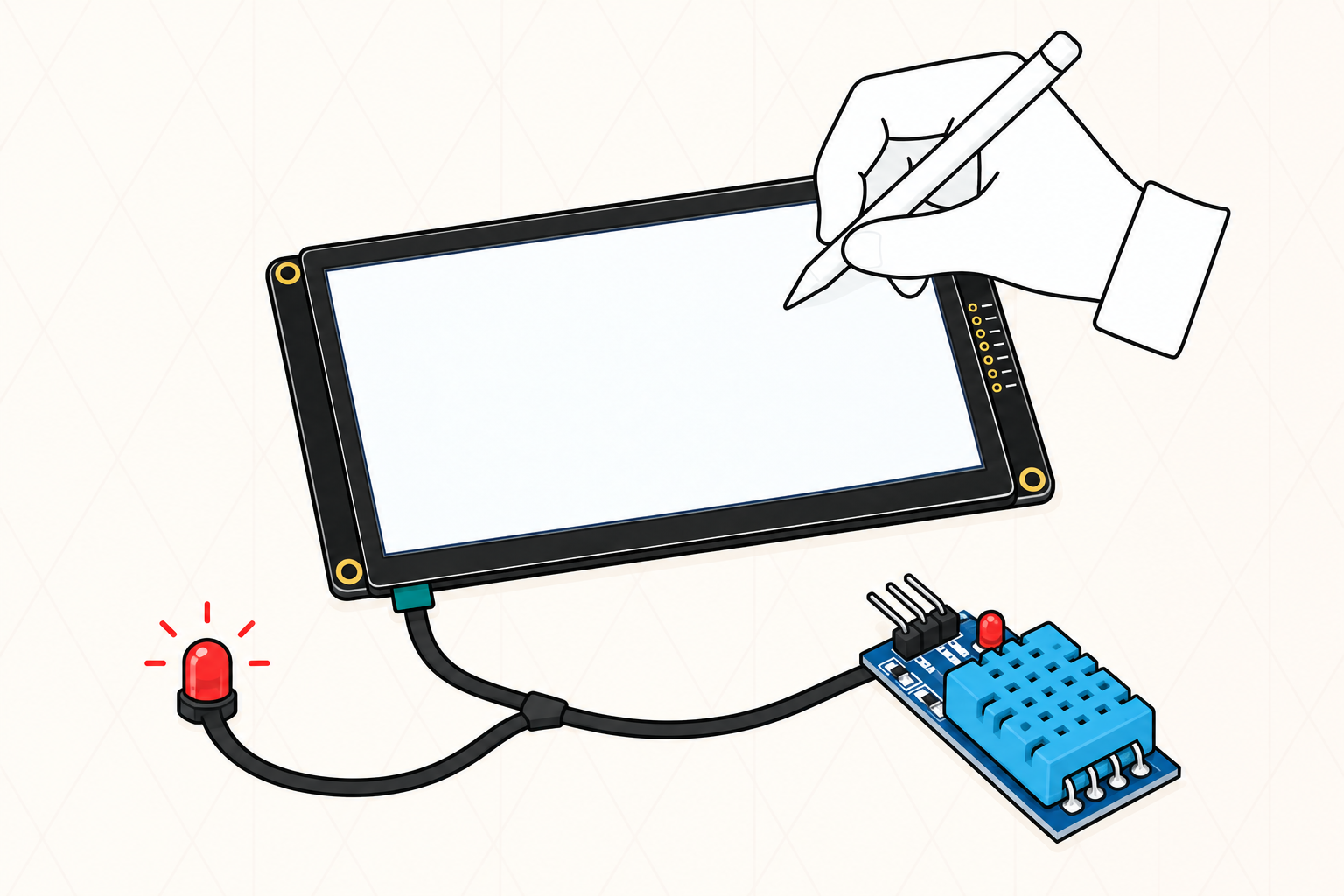
The biggest limitation right now is the 4-inch screen. Larger programs can get cramped quickly, and zooming out makes blocks and touch targets harder to read. Next, I want to add pages for splitting larger projects across workspaces, expand the block library, and introduce blocks for sensors and physical outputs. The system also still needs to be tested with novice learners in real classroom use.
Aside from expanding the Scratch-like experience, we also plan to move BitBlocks closer to the GoGo Board model, created by Professor Paulo Blikstein, where external hardware components can be connected and explored through hardware-enabled projects. This would let students move beyond sprites and use the same block coding environment to interact with sensors, LEDs, motors, and other physical components.